
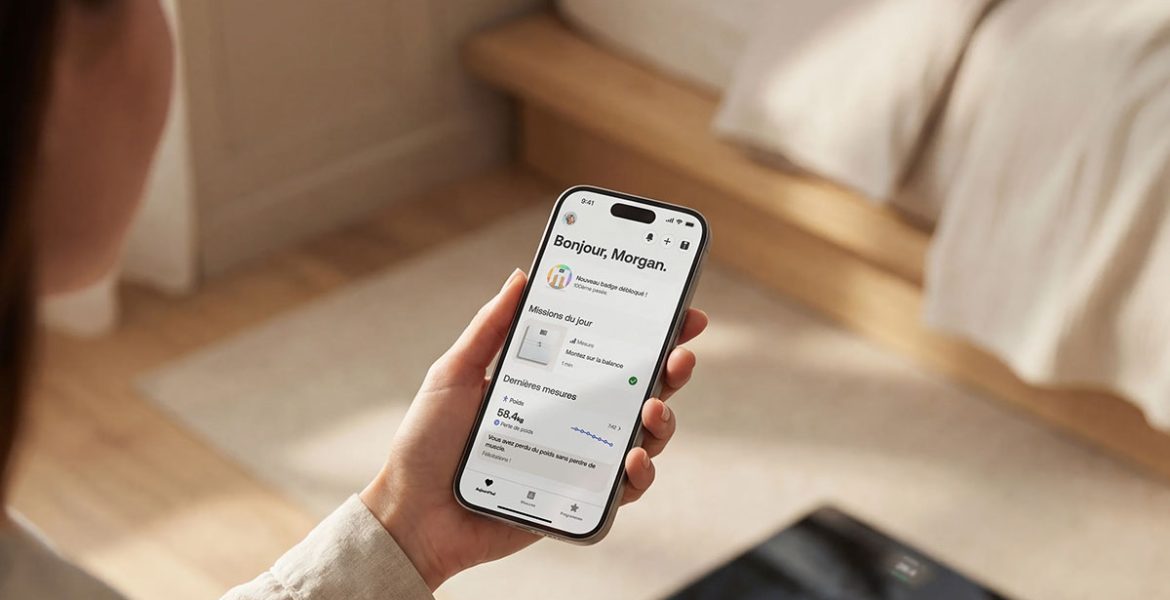
Buying a smart scale is not just about the number on its screen. For some people, its value comes from sending that number into the health app where they keep everything else.
That makes a reported Withings policy change significant for prospective buyers. MacRumors reported on 15 October that accounts created from 13 October 2026 require Withings+ for automatic syncing to third-party apps, including Apple Health. Its report says accounts created before that date retain free syncing, including when an existing customer buys another device.
What The Reported Change Affects
The issue concerns automatic sharing with other apps. It should not be described as proof that a scale stops weighing you or that every way of viewing or exporting information has disappeared.
Android Authority’s reporting also identifies Health Connect as affected and attributes the policy explanation to a Withings response in its customer forum.
Before buying, ask Withings to confirm the current terms for your account, region and intended integration. Published dollar figures can refer to different markets, so check the local subscription screen rather than treating a US headline price as an Australian quote.
Why Automatic Syncing Can Be The Deciding Feature
A scale may be useful on its own, but automatic transfer serves a different purpose. It lets someone keep a routine without repeatedly copying information from one place to another.
For example, imagine buying hardware specifically to bring several measurements into a single app. If that connection adds a recurring charge, the relevant purchase price is now the device plus the service you need to use it as intended.
The question is personal: would you still choose this product if automatic syncing were listed as a paid feature on the first page of the sales description?
Compare The Full Cost Before Buying
Write down the features you need and separate them from extras you would rarely use. Then calculate the hardware price plus the required subscription over the period you expect to keep the device.
Repeat the comparison for alternatives, checking their current integration terms rather than assuming they are free forever. A cheaper device is not automatically better if it fails to work with the app you rely on.
For a household purchase, ask whether the arrangement works for each person’s account. An existing customer’s experience may not answer the question for someone creating a new account today.
What Existing Owners Should Do
If your syncing still works, there is no reason to assume a headline means you must subscribe immediately. Check your account status and the relevant support guidance before making changes.
If you bought recently and the integration you expected is unavailable, keep the listing, receipt and any written support response, then ask the retailer or Withings about your options. Specific consumer rights depend on the circumstances and location.
The wider buying lesson is straightforward: check the ongoing terms of a connected feature before paying for the hardware. A familiar brand name and a compatible-app logo do not, by themselves, explain what the connection will cost you over time.